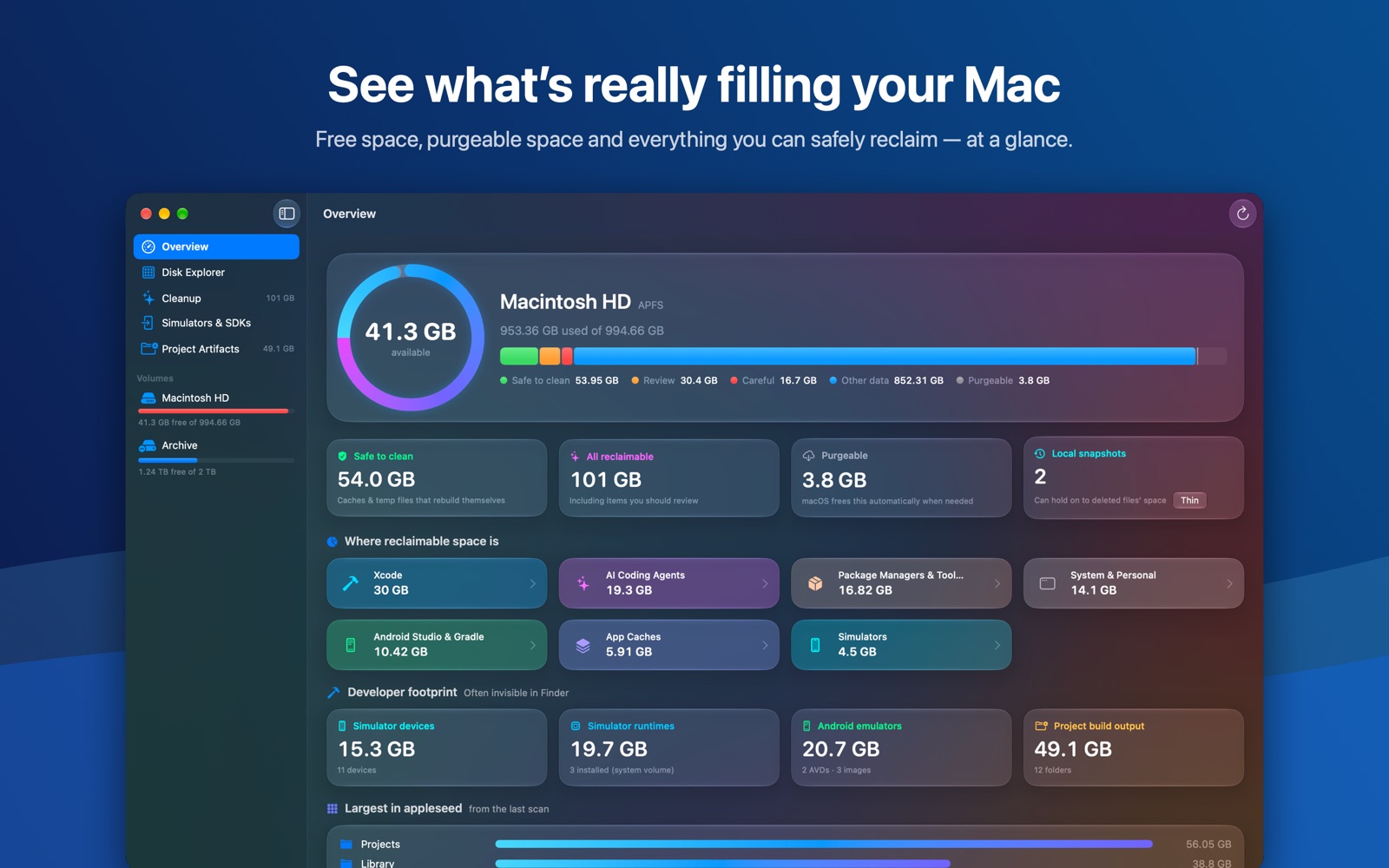
Menu bar tracking
Free space, a 7-day history and what you can reclaim — always one click away.
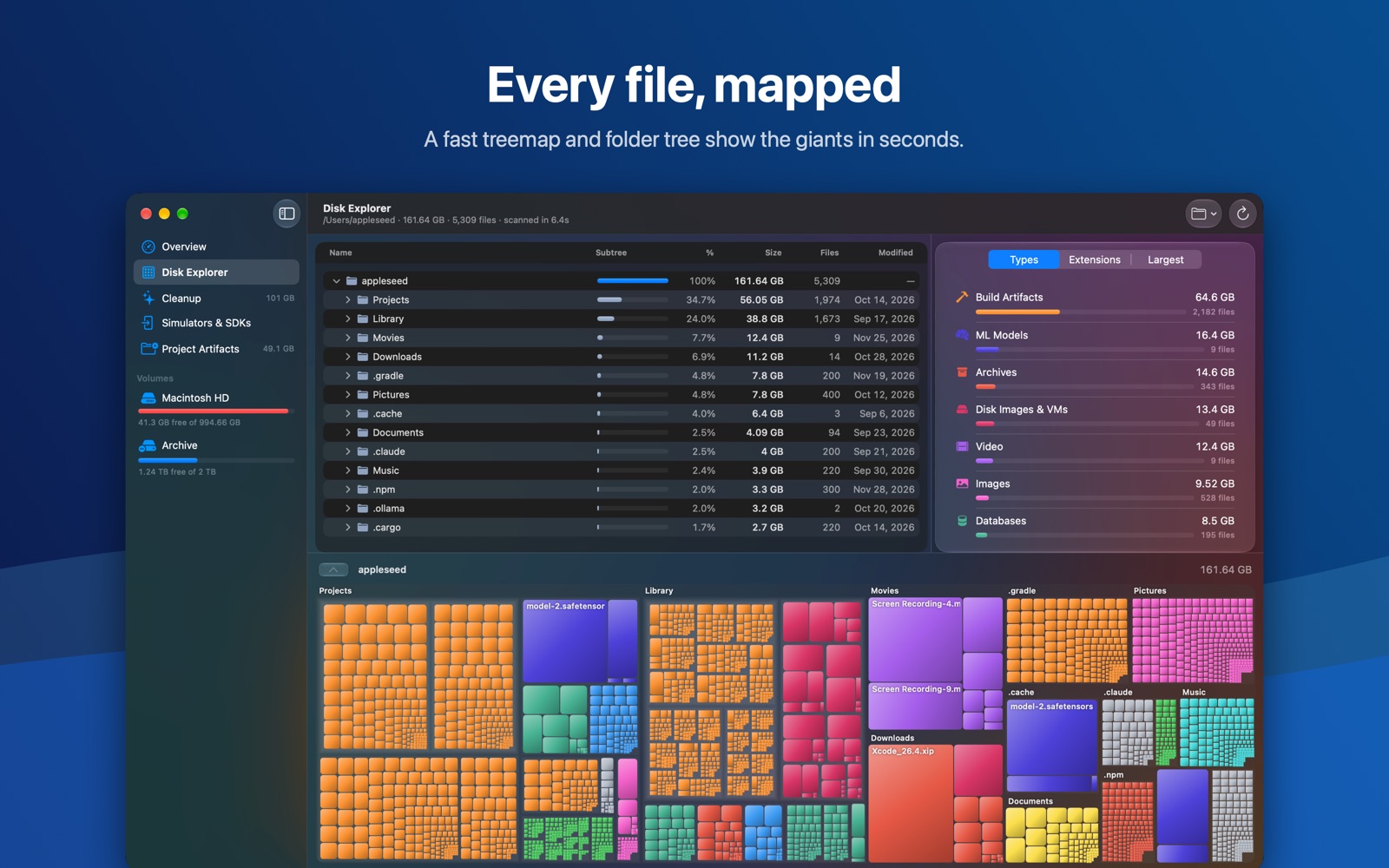
Every file, mapped
A fast treemap and folder tree of your disk, measured the way APFS really stores files.
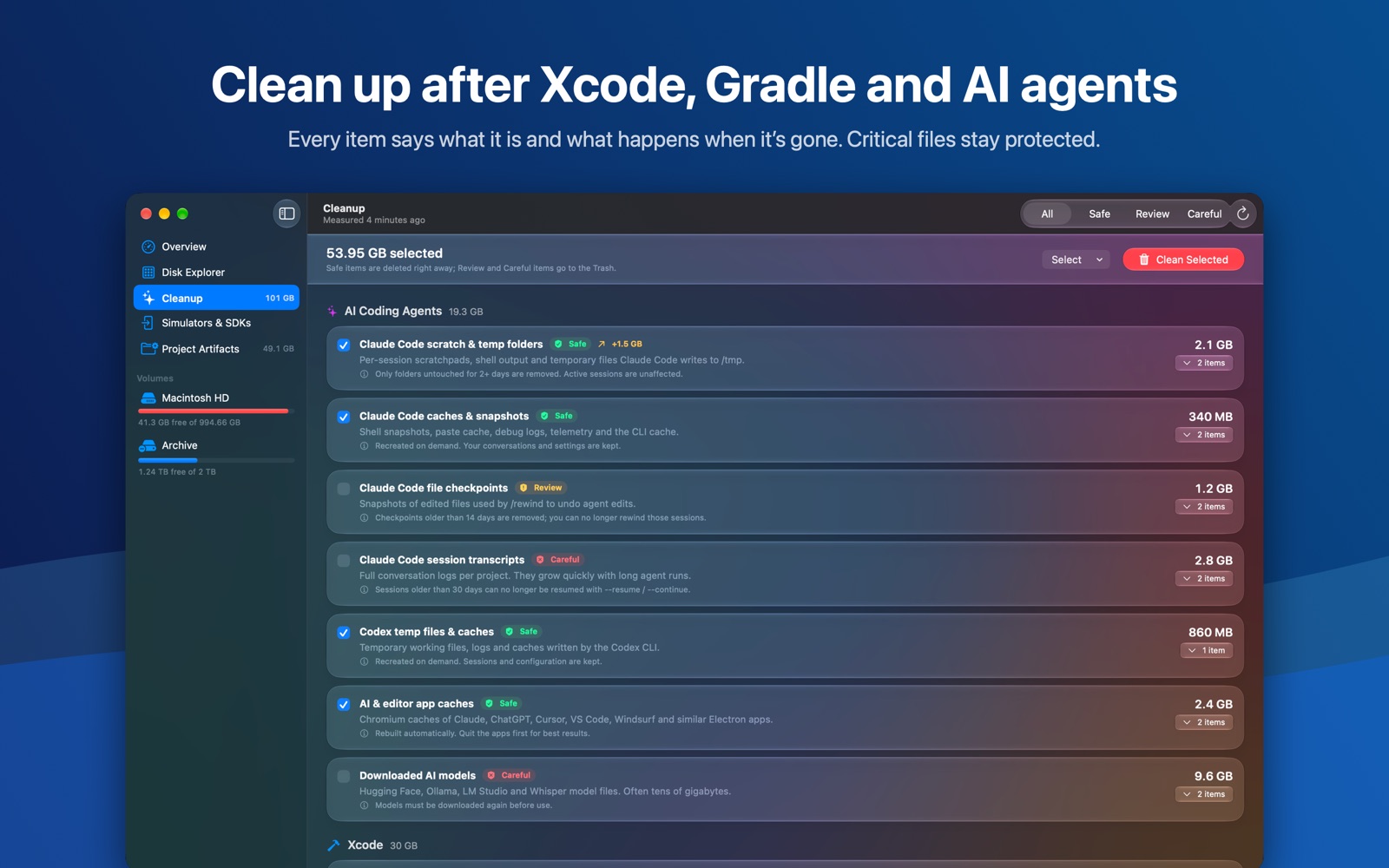
Developer-aware cleanup
DerivedData, device support, simulators, Gradle, npm, pnpm, Cargo, Homebrew and AI-agent caches.
Safe by design
Every item explains itself. System files, iCloud, Photos and keychains are always protected.
Support
Found a bug or have a question? Email allan@noer.biz. Please include your macOS version, your Tidemark version (Tidemark › About) and what you were doing.
FAQ
Why does Tidemark ask for access to Macintosh HD?
Mac App Store apps can only see folders you grant. Granting the whole disk lets Tidemark measure caches anywhere. It only reads names, sizes and dates. You can revoke access in Settings › Disk Access.
Is it safe to clean items marked “Safe”?
Yes — they are caches and temporary files that the owning tool recreates automatically (for example Xcode’s DerivedData). Items marked Review or Careful go to the Trash so you can restore them.
Why can’t Tidemark delete simulators directly?
The App Store sandbox doesn’t allow running Xcode’s tools. Tidemark shows the exact Terminal command to copy instead.
Does Tidemark collect data?
No. It makes no network connections. See the privacy policy.